0+ Indexed documents
0+ Knowledge chunks
< 3s Response time
NT$2,500 Monthly Azure cost
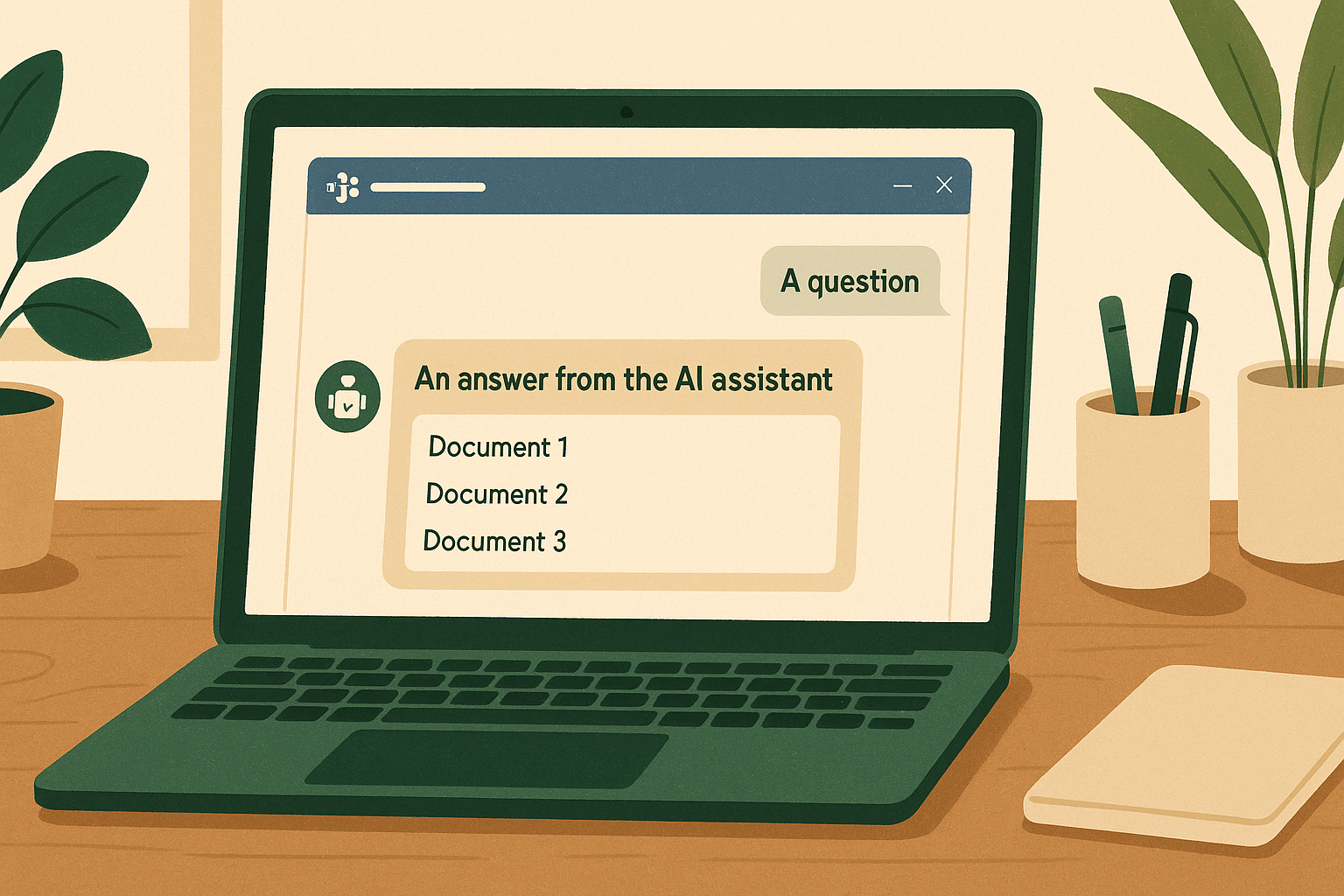
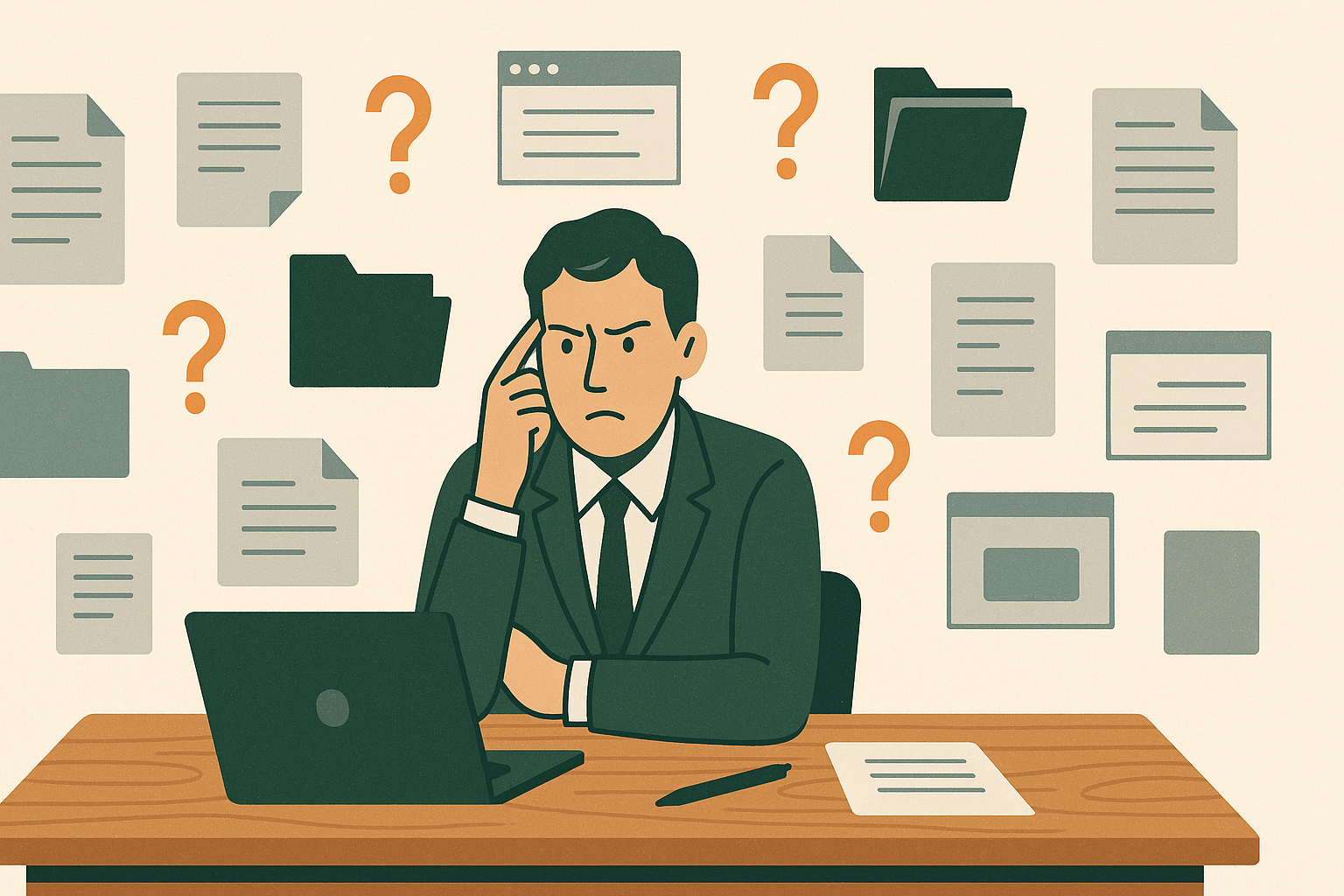
Most small companies look alike: knowledge scattered across Wiki, Google Docs and Notion — three search boxes, three permission systems. New hires bounce between systems looking for an SOP; senior colleagues get interrupted all day answering questions that were written down long ago; the KM becomes a write-only system. The e-commerce company I work at was exactly that — 30 people, HR policies in Word files, SOPs in Wiki.js, product specs in Notion. When a colleague came to ask me for the third time in a month "where's the complaint-escalation flowchart?", I decided to build something: an AI bot living inside Microsoft Teams that searches all three sources at once, always cites its source, and can write knowledge back.
APPROACH
Put a conversational interface inside the tool everyone already uses — Microsoft Teams — and have it search every source at once. The bot needed to:
The bar I set: it had to be better than asking a senior colleague directly, not just "barely usable".
CHALLENGE 01
Knowledge tools usually die not from missing features, but because nobody remembers to open them. The other route was a standalone Q&A website — far more interface freedom. As PM I didn't take it: living inside the Teams everyone already has open all day drops the cost of asking to almost zero; the bonus is that authentication rides on company accounts, so I never had to build a login system — home-made credentials usually only get half of it right.
CHALLENGE 02
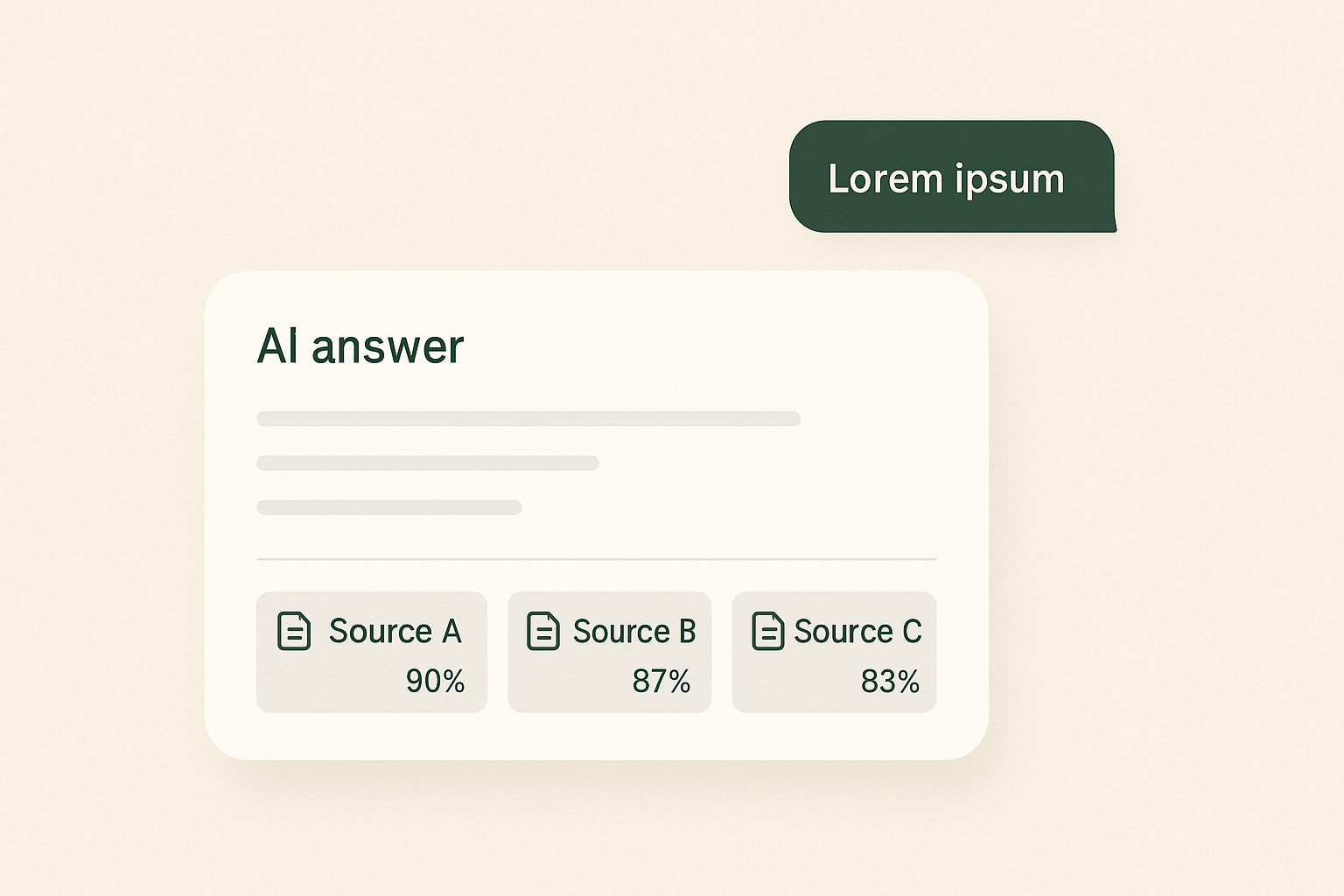
The premise: AI will say wrong things. That's a premise, not an accident. So every answer carries links to the source passages, and users can check the original in one click — drive the cost of verifying the AI to a minimum, and trust can be built.
And the retrieval itself was sharpened by real users. The naive RAG pipeline (embed the question → cosine search → generate) looks great in a slide demo and falls apart on contact with real users. Real users type vague fragments like "LINE push notification setting location?" — the correct document, "LINE push notification settings", gets dragged by the word "location" towards UI-settings documents and doesn't even make the top five. The fix: before searching, use GPT to expand the question into 2–3 semantic variants, search each, then merge and rank by each chunk's best score. For the short fragments users actually type, recall improved noticeably.
Later I added hybrid search (semantic + weighted keyword). It started with a gap I hit myself: a requirements doc that was definitely in Notion, and a plain-language question just couldn't find it. Pure semantic retrieval is genuinely weak on proper nouns and product codes — "Zhou Baobao" is just a string of characters to the model. With keyword weighting, the same question moved from rank 27 to rank 5, and clearly-phrased questions settled at rank one.
But there's an honest limitation here: query expansion is done by an LLM, so it isn't deterministic, and asking the same question twice shifts the ranking. The truly stable approach isn't tuning retrieval to perfection — it's giving the AI both code and documents to cross-check. That idea later became another project (the FruitWeb Diagnostic MCP).
The input to optimisation is always how real users phrase things, never how I imagine they would. Every failed search is a piece of training material; I feed it back into the system, and the next person finds it.
CHALLENGE 03
A read-only knowledge base slowly rots, because the person who spots the typo has no permission to fix it. So the truly critical feature isn't search — it's that the bot can also edit, append, and publish content back to all three sources.
#edit lets anyone fix a typo without learning the Wiki.js back office. #append lets them add a step an SOP missed. #publish turns a quick note into a properly formatted KM page (AI fills in the title and structure). Every Notion edit also writes an audit annotation automatically — Notion has no per-block edit history, so that annotation is the only trail for tracing things later. Capabilities can be opened up, as long as what happens can be traced back.
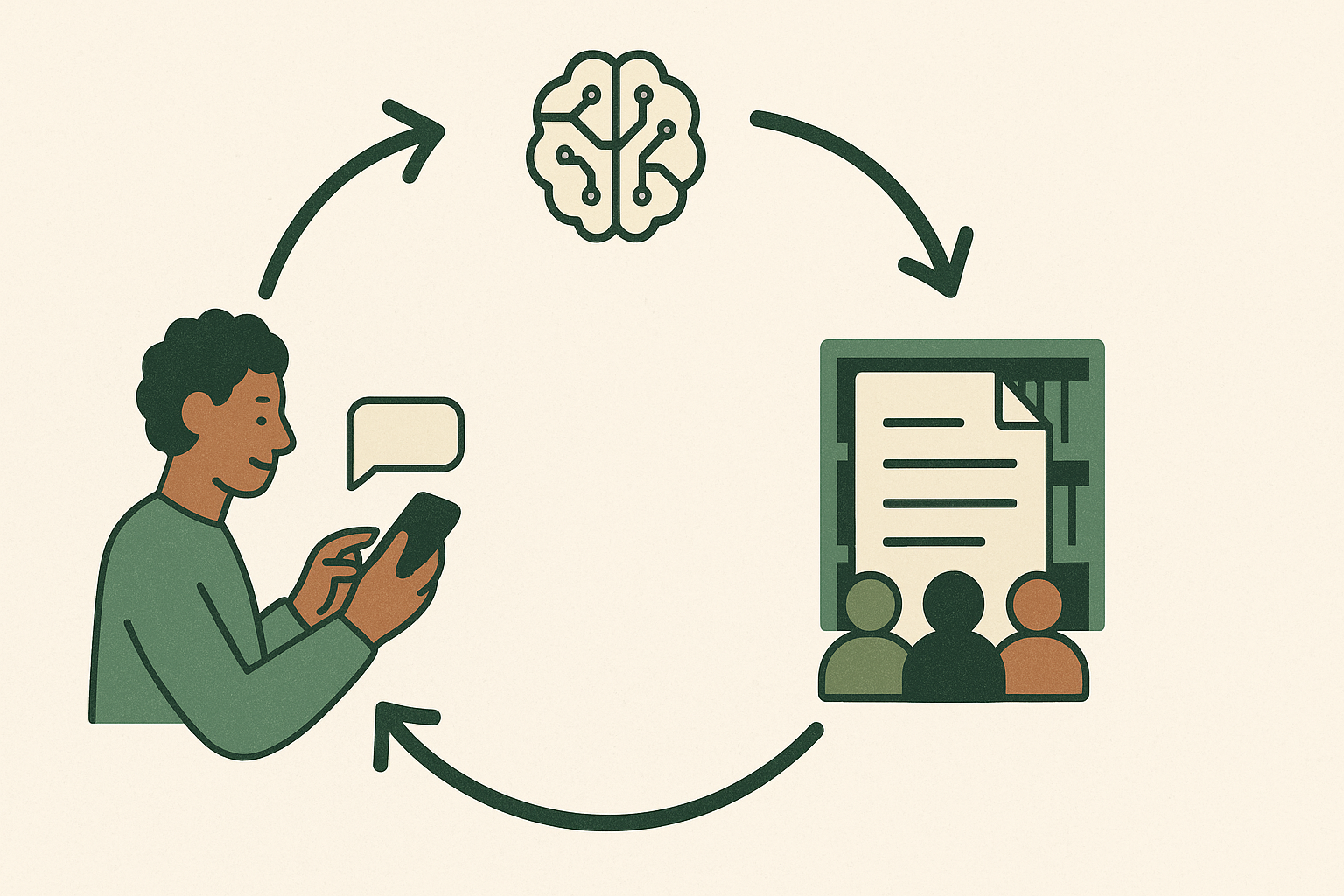
The effect: the knowledge base is continuously corrected by the people who actually notice the problems, instead of waiting for some editor to be notified. Contributing knowledge went from "something you schedule time for" to "something you do in passing".
FEATURES
Personal assistant. Since the UI was already there, I added notes and reminders — the bot doubles as a personal sticky-note board. The daily 9am / 2pm / 5pm reminder pushes have a small engineering story behind them (see "What I learned") — it should have been simple, and wasn't.
End-to-end image support. Users can attach images to notes and reminders. Images live in private Azure Blob storage with a short-lived SAS token generated for every display — no public URLs anywhere. When a note is published the image is embedded into the KM (base64) or uploaded to Google Docs (via Drive), and the original blob is deleted immediately — the temporary storage lifecycle is deliberately short.
Data you don't keep can never leak from you. The shorter temporary files live, the less there is to protect.
RESULTS
Live since March 2026. Steadily holding 690+ documents, about 9,600 indexed chunks, three sources, hourly sync, sub-3-second answers, and roughly NT$2,500 a month in Azure costs. Usage telemetry was added in July, so real usage patterns are now visible rather than just my observations.
The most interesting part isn't the technical metrics, it's the usage patterns:
#publish flow, and the bot has become their main channel for contributing knowledgeThe knowledge base itself is growing faster than before. Not because anyone was told to write, but because the barrier dropped low enough that contributing became a side effect of using it.
LESSONS
*/5) kept going. My first fix "worked in theory" but only took effect on restart — and the bot never restarted. The real fix: a 10-minute polling safety net that doesn't depend on cron at all.--max-old-space-size. 6,000 chunks and it OOMs. One CLI command switches it.data/ if that's where you put the vector store. The whole knowledge base vanished once because of this. Fix: point the path at a persistent directory via an env variable.content-type: image/* (a wildcard, not the actual MIME type), and contentUrl needs Bearer auth to download. A chain of wrong assumptions to dismantle one by one.node_modules on the server. The app wouldn't start — a ten-minute crash loop. Only the iisnode crash stack from Kudu showed the real culprit: the telemetry package, while loading a third-party module, read a file that had been written halfway. The root cause wasn't my code — it was inconsistent package state on the server caused by incremental deployment. Back to a full zip replaced in one go and it was fine. The upload time saved was paid back with two production outages.web/ folder, so deployment deleted the web chat interface's homepage (Teams was fine, so I almost didn't notice). A web-only package restored it.I ran this list by the incident-handling rules: every outage got a root-cause analysis, and the lessons from the two deployment incidents became one hard rule — this service always deploys as a full package, replaced in one go, never incrementally. The rule doesn't rely on memory; it's written into the deploy script.
The full postmortem is in the repo, including the architecture choices and what I'd do differently.
NEXT
STACK
TypeScript, Node.js, Azure OpenAI (gpt-4.1 + text-embedding-3-small), Microsoft Bot Framework, Wiki.js GraphQL, Google Drive API + Docs API, Notion API, Azure Blob Storage, Azure SQL, Application Insights. Deployed on Azure App Service.
Source is on GitHub (jean199801/teams-knowledge-assistant) — the README has the full architecture write-up if you want the technical detail.